Tuesday, 11 March 2014

Screen Credits cont.

Our group decided that our title should have an individual feel to it, so we decided to create a stop animation of a cage dropping onto the text of the title in the title sequence. In lesson Sophie begun making this and had struggle with getting the background transparent on screen. Me and Sophie then researched and found out we was using the wrong format, we was using JPEG which flattens the image and not PNG which was what we needed. Fortunately this error didn't make any of our time go to waste and we just used a magic wand and resaved the work.


We also found struggle with the colour of text on screen, so Sophie decided to make the jail bars a faint grey and the text on screen being white, which works well when our original plan was for it to be black. We are finding Photoshop fairly simple when we worked on the title in Monday's lesson but I feel like this will be one of our strongest points in our title sequence because Sophie seems like the right person to be doing this job.

I think the stop animation will be success when we create all of the PNG for it. I'm glad our teacher suggested this idea because I feel like our title sequence name would not have stand out as much as it will do now. It is also nice that we have different editing techniques in our title sequence.

Editing

Since returning back to school I have been put in charge of editing all our clips together. Since doing this I have realised that our strongest cuts were those that were took outside rather than the inside shots. Due to the feedback we received from our teachers we decided to reshoot some of the shots towards the beginning of the title sequence.

When removing Megan's parts we decided to work on the image of the shots. As Thrillers usually have dark storylines, we decided to create the sequence in black and white. I think this is the best method for us as we filmed our work in the light to get clear detail of our characters on shot. The black and white editing blocks off the sense of it because a sunny day which it was.


To create that sharp and dark black and white, I used the filters 'saturation' and levels'
The saturation has been set to -1 so there is no colour left and to brighten up the black and white I decided to play around with the levels.
For the levels of the clips I used:
  • Input: 50
  • Input Tolerance: 100
  • Gamma: 1.41
  • Output: 43
  • Output Tolerance: 68
I also added transitions to the individual clips so the clips cut smoothly together. The transitions I used were 'cross dissolve' but I may change this when we have our finalised clips on final cut. I feel like the cross dissolve works well for our clips because a few seconds are being passed between each cut when the doctor is following Maria.


Despite the reshooting of some of the clips, I am feeling quite confident with the editing of our title sequence. I feel as if we have a wide range of editing techniques played in our title sequence and the reshooting will be fairly easy for our group as we know what style we're going for. Most of the shots were correctly done and cut well together which I was worrying about before starting my editing in Final Cut. I think our Continuity workshop at the beginning of the year was really beneficial to me because I felt more confident when using the tools on the programme.


Monday, 10 March 2014

Screen Credits

Whilst I've been putting our clips together in order and been cutting them, Sophie has been creating the text to overlay our title sequence.

Sophie made the text on screen using photoshop using a special film and video design template. On this template she made the different texts which are going to be on screen using the font we picked from the copyright free website "dafont". I think the text looks really effective and I like the way Sophie has positioned the text, the only problem our group is worrying about is if the video on screen will be too dark to see the white text. Me and Sophie worked together to figure out how to change image and text colour white from dafont and now we're confident with how our text on screen is going, I think it is going to look really good with our cuts and matches the genre we're going for really well.

Sophie made 16 different texts in photoshop in the order of how the 'SE7EN' sequence goes. She then used names of the people who have done work in other Thriller films we looked at in our survey. For example 'John Polson' is our director on screen who was the director for Hide and Seek.

Sophie made text for the following:
  • Production company
  • Cast
  • Title of film
  • Casting by
  • Music by
  • Costume designer
  • Production design
  • Director of photography
  • Co-producers
  • Co executive producer
  • Executive producer
  • Written by
  • Produced by
  • Directed by


Tuesday, 4 March 2014

Feedback

When returning back from half term, we gathered helpful feedback from two of our teachers since we put a rough edit together with our footage, we only ended up using less than half of the footage that we talk as when looking at it on a clearer desktop we found noticeable errors, for example shadows. Our group has took in our teacher's feedback and ways to improve well and we will be developing our work using their ideas.

Emily: Emily suggested for us to change the first half of our title sequence as there are contrasting paces in our title sequence, she also thought that the first half of the characters getting ready were poorly shot lighting wise so our group has decided to reshoot our shots of the two characters getting ready. Emily was also keen of the music that our group selected together and thinks it works well with the thriller genre and the 'chasing / following' feel we are going for in the title sequence. She also suggested where we should place our voiceover and some extra shots we should add.

Sinead: Sinead didn't find a problem as much with the pace of our title sequence as a whole but still thinks we should reshoot some of our footage which we have now understood is understandable considering the quality and lighting change throughout the title sequence. Sinead also approved of the music choice. Sinead also suggested for the two characters having strong differences between them so the audience doesn't get too confused with what is happening.

Overall, I feel as if the feedback was helpful and we need what we need to do in order to improve our work.

Start of filming

Luckily we found some time before breaking up to film the start of our title sequence in our lesson. We only took one shot as the preparation for the setting took time to look good. We went to a teacher's conference room as it supplied most of the props which we needed for that specific shot. We decided to take shots in there for the Doctor's study, and we will need to go back there when we return to school after half term.


We then continued filming the following week and I feel like we got a lot done in 2 days, we got 114 clips altogether and I feel like most of them were successful.
 
Day 1: On our first day we went to Megan's house to film, at Megan's we filmed all the indoor shots that we needed for our title sequence. This day, we recorded Maria's pan shots and the diary and both of the characters getting ready to leave the house.
 
Day 2: On the second day we went to my house to film the remaining indoor shots and the outside shots, we decided to go to my house to film outdoors as there is a quiet close near my house with barely any passing traffic. This day we finished recording Maria's getting ready to go out shots and the tracking and point of view shots of the Doctor following Maria when she leaves.
 
Luckily the day after filming on the first day, the weather was not rainy or windy so the shots are bright and clear which our group was happy about, we needed these shots to be dark but we learned that shooting in the light and editing it to a darker time of the day would be a more effective way of taking the shots for the title sequences.
 

Thursday, 20 February 2014

Voiceover

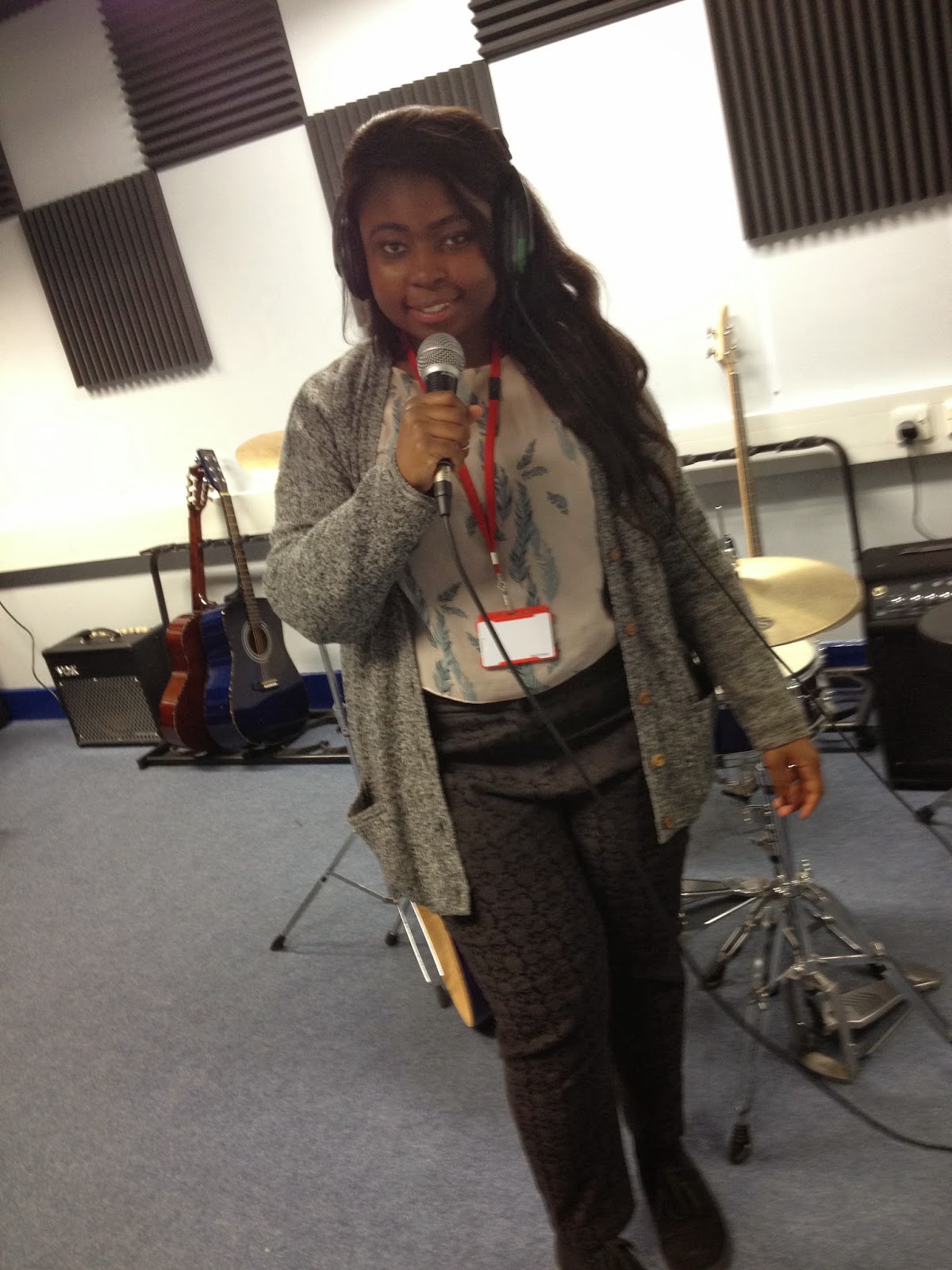
Before breaking up for half term we decided to record our voiceovers for our title sequence. We made a short script which are meant to be parts of the 2 main characters journals/dairies. Christian did the voice for the man and Sophie did the voice for the girl. We went to a recording studio in the music department in the school so we could clearly pick up the audio through a microwave onto Logic Pro onto the Mac. 

Doing it on Logic Pro allowed us to play around with the audio, we added a echo and distorted effect onto the audios to try and create a sense to the audience that these journals are being read within their minds and their looking back in the past. i think our voiceovers are really good and i'm proud of what they've come out like because the Logic effects made the audio sound more professional and more fitting into our genre.


I'm happy we pretty much completed our voiceovers for our title sequence before breaking up because that gives our group one less thing to do when we have filmed our title sequence and allows us more time to edit it and perfect it. We also started looking into other sound for our title sequence, we looked at some copyright free music on https://audionetwork.lgfl.org.uk to get an idea of the type of music we'd want for the rest of our title sequence. We still have not yet picked one for our title sequence and will probably finalise one after half term.

Wednesday, 12 February 2014

Production Plan Update


We have been updating the calendar as a group and this makes me feel more comfortable with our time scheme. I think it's good how our group is sorting out the music before breaking up for half term (14th feb - 24th feb) so we are left with editing to do when we get back from half term. We haven't yet decided when we will do the editing on final cut when we get back from half term so this is something we need to discuss this week or during half term.